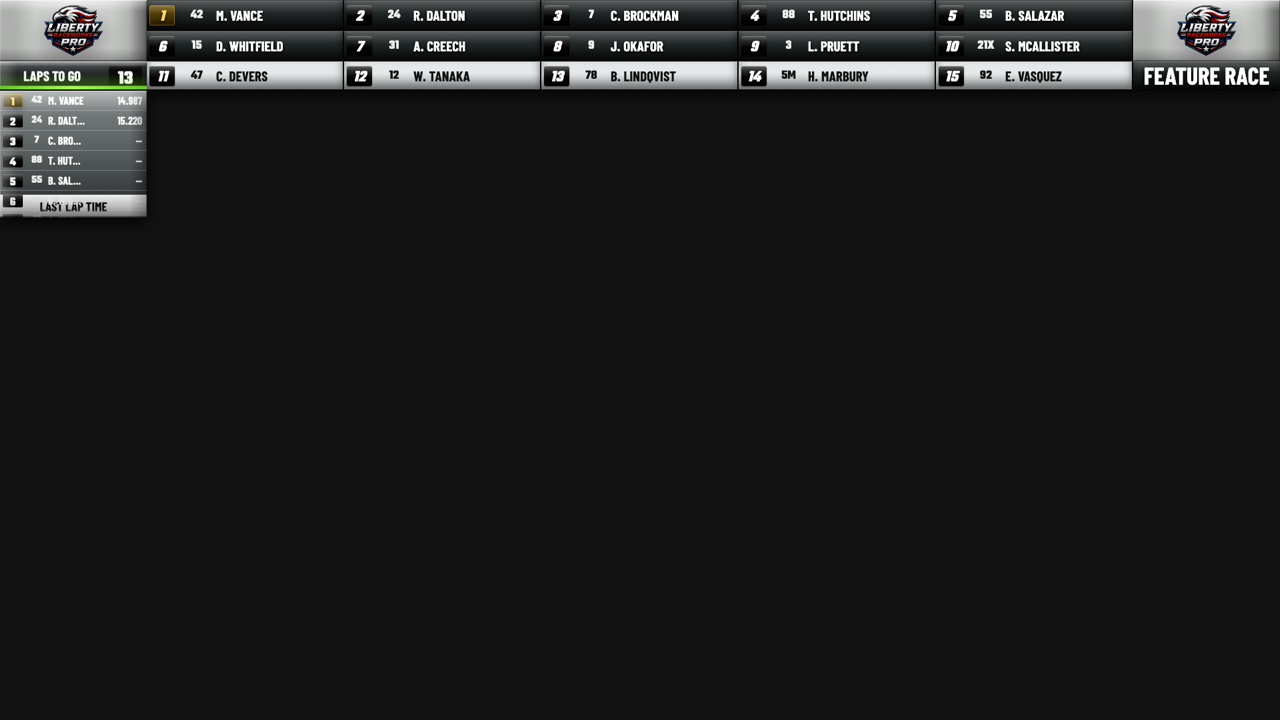
Big information, fast decisions.
Driver names, car numbers, gaps, class data, and race context stay legible inside real broadcast frames.
 Liberty Raceworks
Race graphics for live production
Professional live race graphics driven by Race Monitor and MyRacePass timing. Runs on Windows and Mac, output-ready for vMix, OBS, and Wirecast.
7-day free trial built into the app. No card required.
Driver names, car numbers, gaps, class data, and race context stay legible inside real broadcast frames.
Motion previews, flyouts, and ticker movement add energy without hiding the data the viewer needs.
The site and the app both lead with the actual workflow: choose a graphic, copy a browser URL, and run the show.
The packages stay simple so a track, series, or livestream crew can make the right call quickly.
Two products
Liberty Raceworks runs locally on your production network, either on the main production computer or a dedicated graphics computer on the same local network.
Focused timing graphics for smaller productions that need a polished top banner and side tower.
The full race-night package for lineups, results, leaders, podiums, stories, ticker, and weather.
Control center
Choose the live output, adjust colors, save looks, manage race data, and prepare browser-source URLs without moving between separate tools.
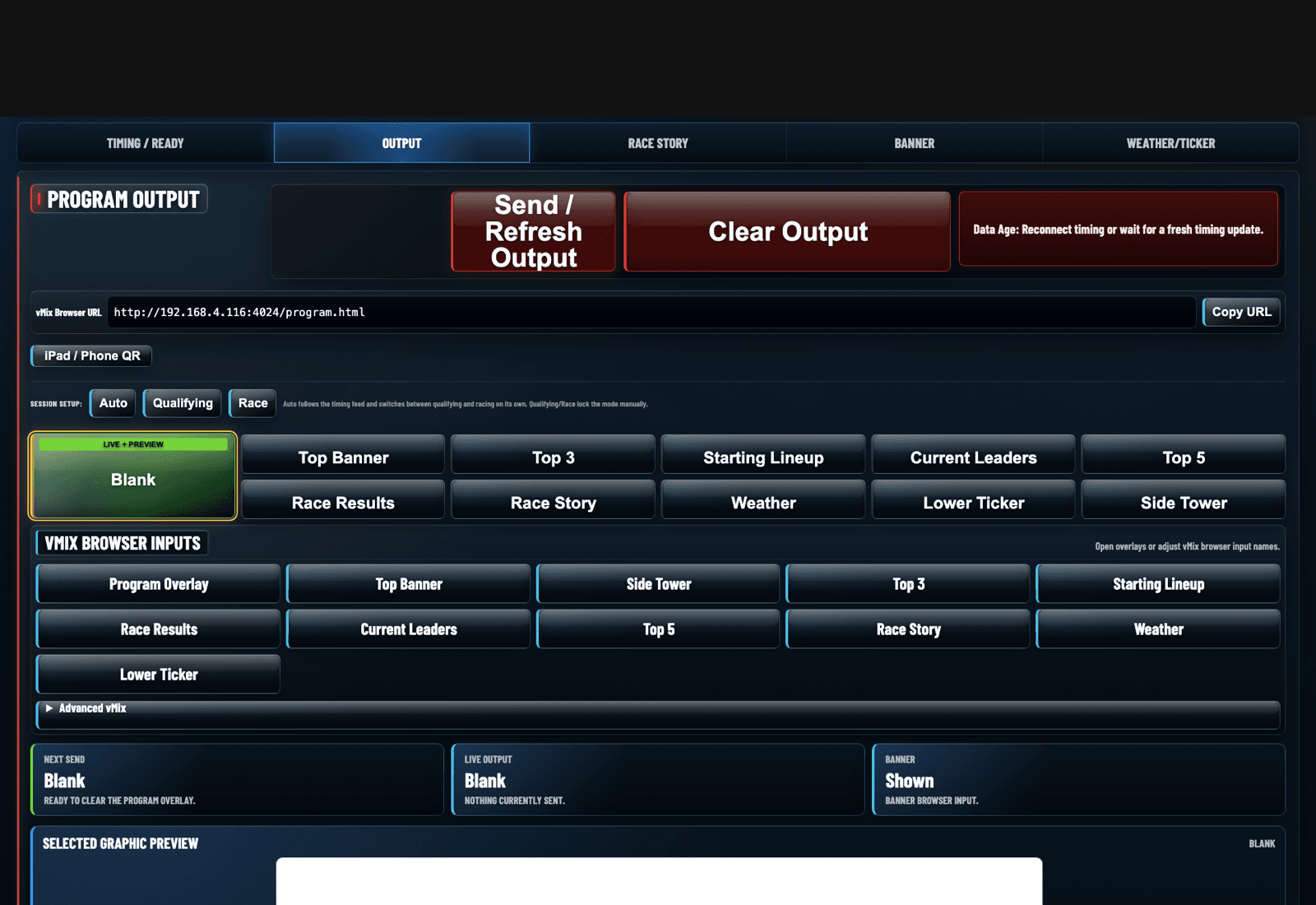
Flexible setup
Run Liberty Raceworks on the production computer or a dedicated graphics computer on the same local network. Your switcher only needs the browser-source overlay URL.
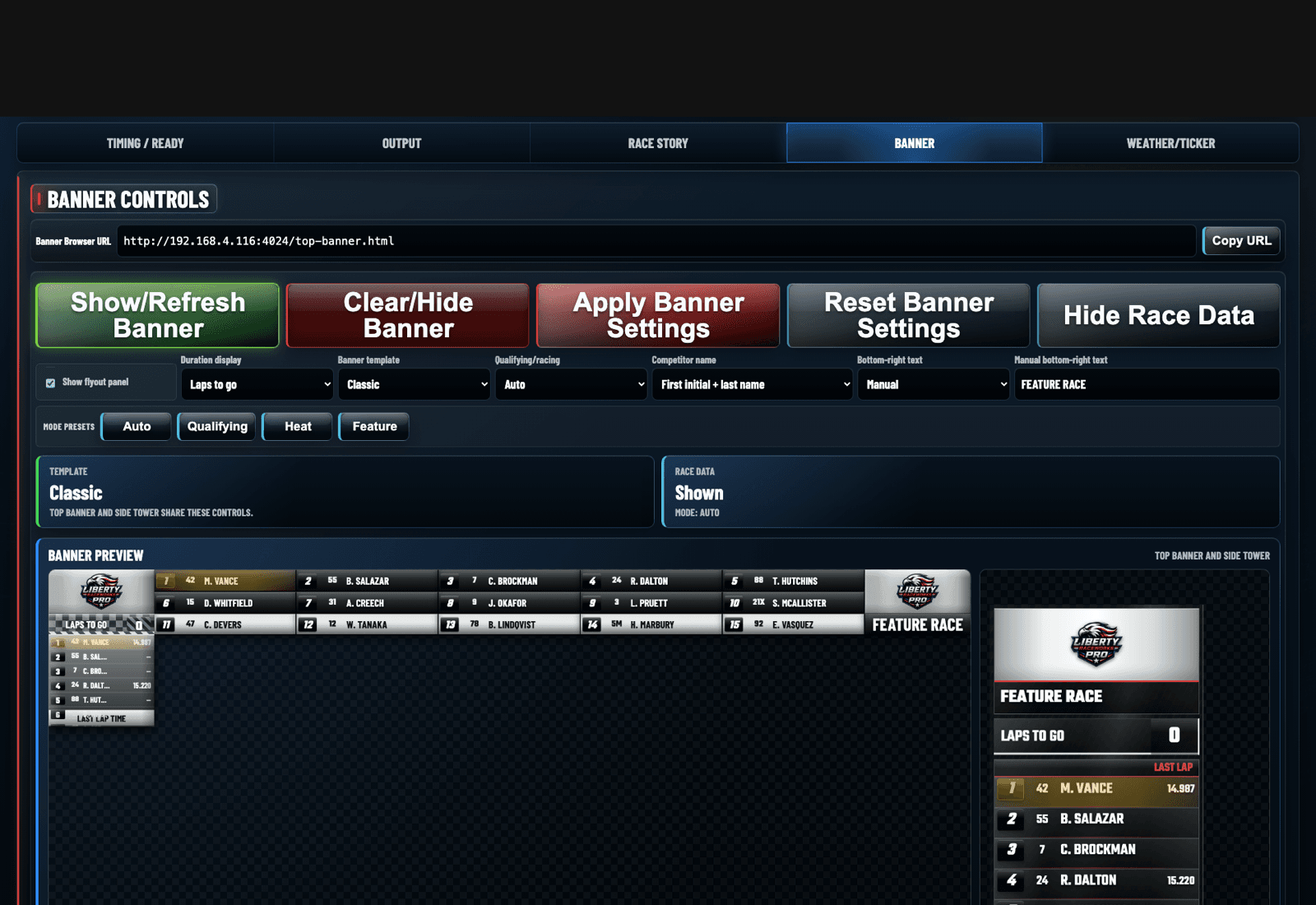
Operator rhythm
Race night does not leave time to hunt through menus. The control center is built around the actual broadcast workflow, in the order you use it.
Choose the graphic output for the next moment of the broadcast.
Save color presets and logo placements for repeat race-night looks.
Load the browser-source URL in vMix, OBS, or Wirecast.
Control the show from the production computer or local-network graphics machine.
Broadcast-ready visuals
Use the focused Core package for timing overlays, or move into Pro when the show needs the full visual set.
Fixed front-row positions, rotating extra positions, and race data flyout.
A vertical running order built for OBS, Wirecast, and vMix browser sources.
A full results board for race finish, post-race review, and unofficial results.
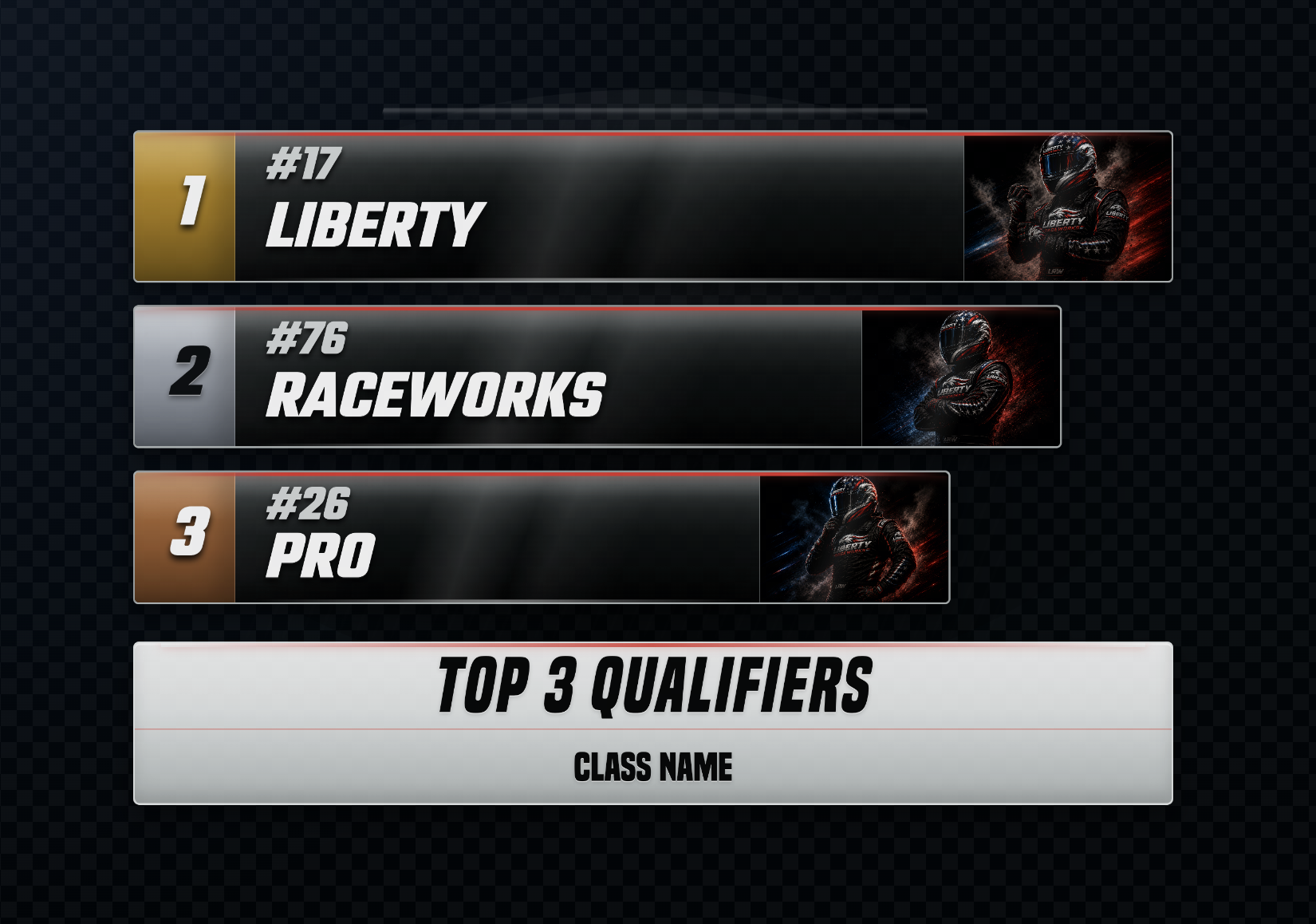
A photo-forward board for qualifiers, finishers, and feature winners.
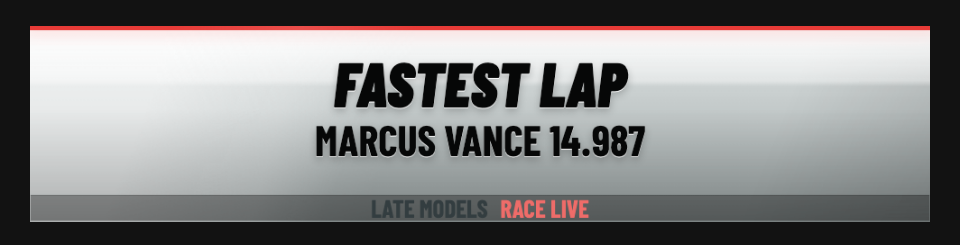
A larger driver feature graphic for movement, milestones, and race-night notes.
Race-night flow
Install Liberty Raceworks on your production computer or a dedicated graphics/control computer on the same local network.
Connect live timing from Race Monitor or MyRacePass, or prepare manual/sample race data.
Select the banner, side tower, results board, lineup, ticker, or other output from the local Control Center.
Add the local or network overlay URL as a browser source in vMix, OBS, or Wirecast.
Control graphics from the same machine or from another computer on the local network.
Try it on your own footage
Every download includes a 7-day free trial of the full edition. Core keeps the show focused on timing. Pro gives you the full graphics set for a bigger broadcast night.